Professional Live Streaming Masterclass: Multi-Camera Broadcasting with OBS Studio
Get unlimited access to all learning content and premium assets Membership Pro
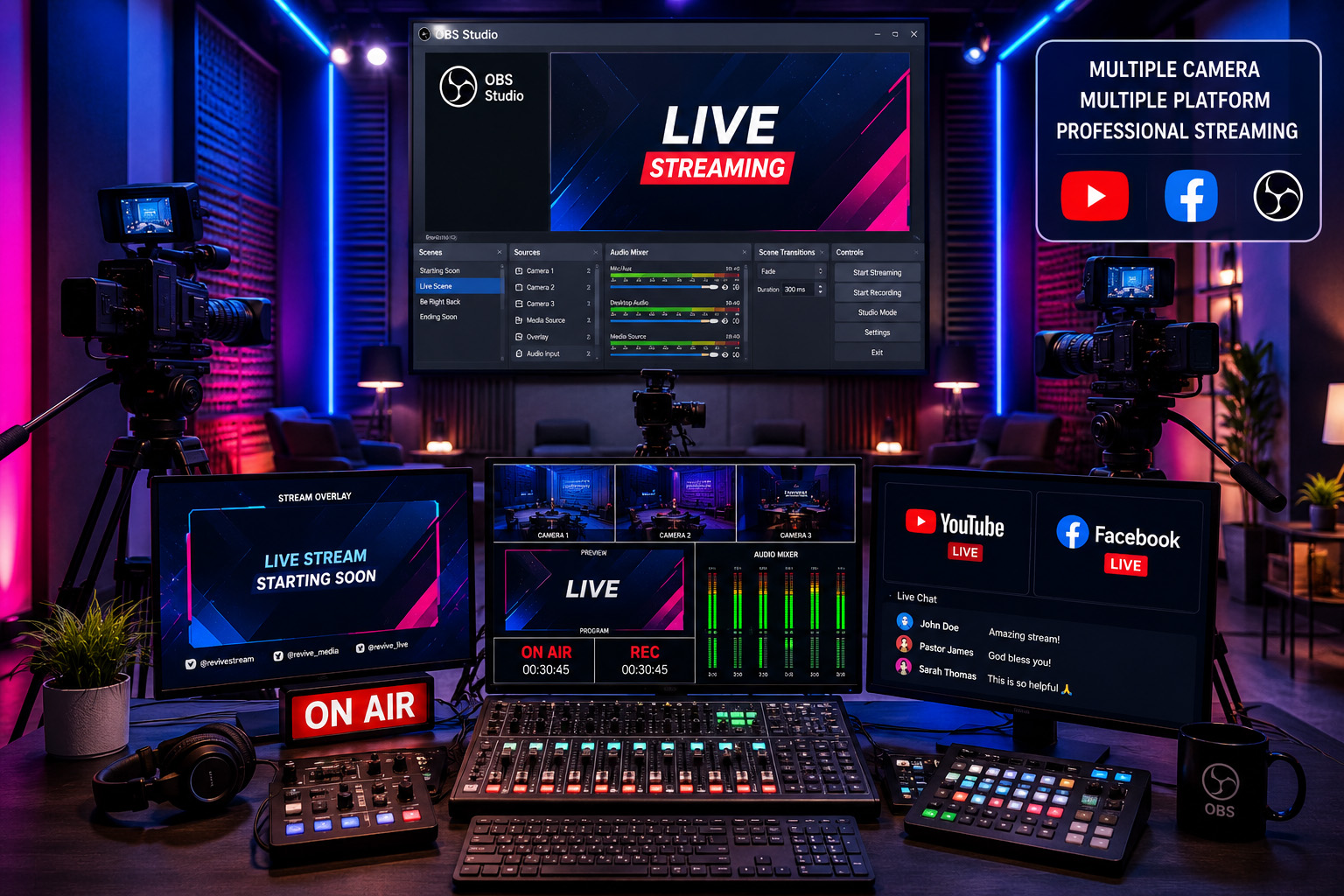
Learn how to produce professional-quality live broadcasts using OBS Studio, multiple cameras, mobile phones, capture cards, audio mixers, and streaming platforms such as YouTube, Facebook Live, and more. This hands-on course equips you with the skills to create reliable, high-quality live streams for churches, businesses, educational institutions, events, and content creators.
Live streaming has become an essential communication tool for churches, educators, businesses, conferences, and digital creators. This comprehensive course teaches you how to build a professional live streaming setup—from a simple single-camera stream to a complete multi-camera production.
You’ll learn how to use OBS Studio, connect DSLR and mirrorless cameras, integrate smartphones as wireless cameras, configure audio for crystal-clear sound, add professional graphics, stream to multiple platforms simultaneously, and troubleshoot common issues.
By the end of the course, you’ll have the confidence to produce broadcast-quality live streams for worship services, conferences, webinars, interviews, online classes, podcasts, and special events.
What You’ll Learn
- Build a professional live streaming studio
- Configure OBS Studio from scratch
- Connect multiple cameras
- Use smartphones as wireless cameras
- Connect DSLR and mirrorless cameras
- Use HDMI capture devices
- Configure professional audio
- Add lower thirds and graphics
- Display presentations and screen shares
- Use NDI technology
- Stream to YouTube Live
- Stream to Facebook Live
- Stream to multiple platforms simultaneously
- Record high-quality videos while streaming
- Optimize internet bandwidth
- Eliminate audio/video sync problems
- Create professional transitions
- Use Stream Deck and hotkeys
- Manage remote guests
- Build a mobile live streaming setup
- Troubleshoot live production issues
- 40+ Practical Lessons
- Step-by-Step Demonstrations
- Real Studio Setup Examples
- Downloadable Resources
- OBS Scene Templates
- Live Production Checklists
- Equipment Buying Guide
- Certificate of Completion
- Churches
- Ministries
- Schools
- Teachers & Educators
- Event Organizers
- Businesses
- odcasters
- YouTubers
- Content Creators
- Media Teams
- Students
- Beginners
- Windows or Mac Computer
- Internet Connection
- Webcam (optional)
- Smartphone (optional)
- OBS Studio (free)
- 10 Sections
- 0 Lessons
- 8 Weeks
- Module 1 — Introduction to Live Streaming0
- Module 2 — OBS Studio Fundamentals0
- Module 3 — Cameras0
- Module 4 — Mobile Phones as Cameras0
- Module 5 — Professional Audio0
- Module 6 — Professional Production0
- Module 7 — Streaming Platforms0
- Module 8 — Advanced Production0
- Module 9 — Mobile Streaming0
- Module 10 — Troubleshooting0
Build real skills. Complete practical projects. Pass the final assessment. Earn your professional Course Completion Certificate.
Learn how to produce professional-quality live broadcasts using OBS Studio, multiple cameras, mobile phones, capture cards, audio mixers, and streaming platforms such as YouTube, Facebook Live, and more. This hands-on course equips you with the skills to create reliable, high-quality live streams for churches, businesses, educational institutions, events, and content creators.