Curriculum
- 10 Sections
- 45 Lessons
- 10 Weeks
Expand all sectionsCollapse all sections
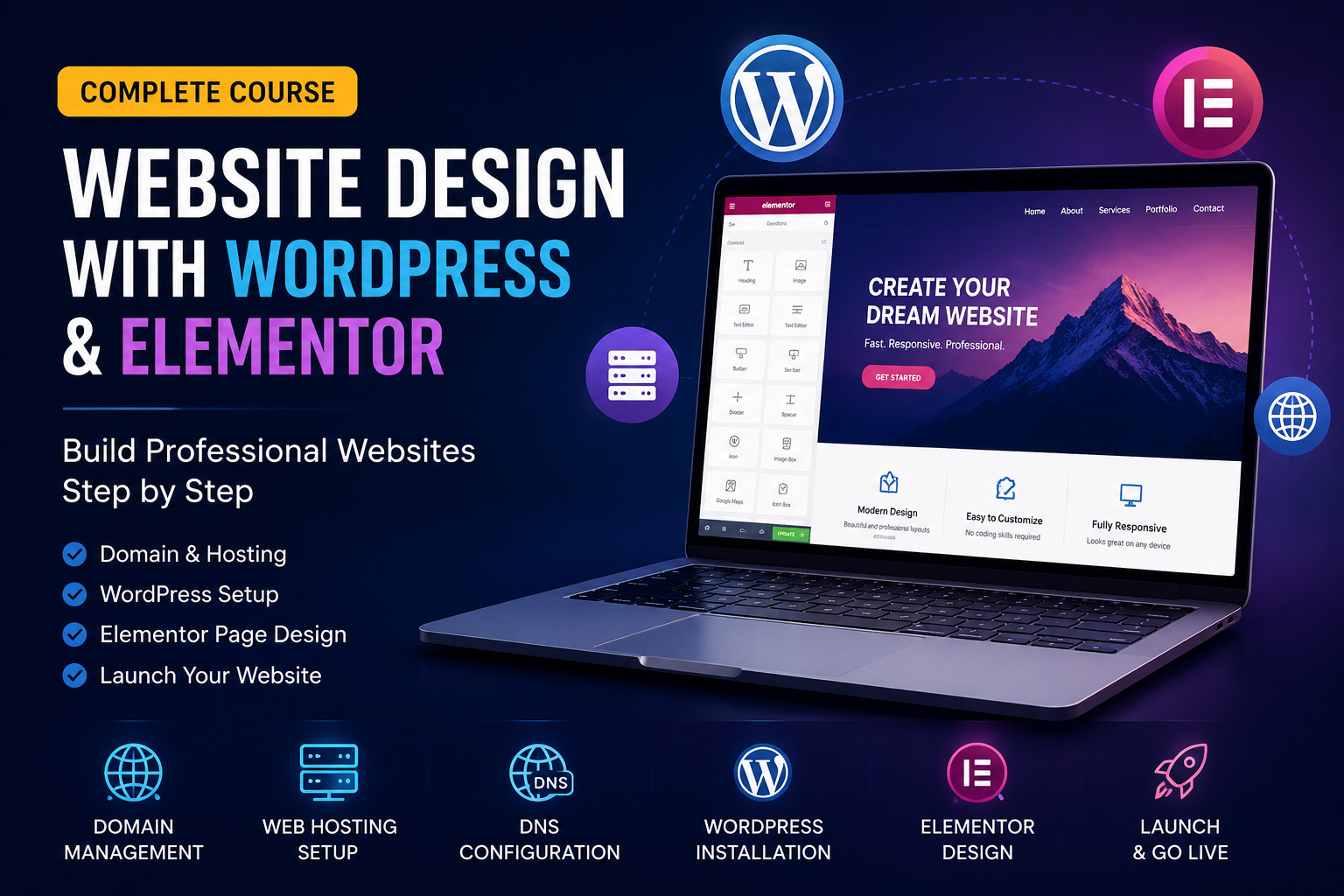
- Chapter 1 – Getting StartedStart your learning journey with an introduction to the course, understand the learning path, and prepare the tools you'll use throughout the training.4
- Chapter 2 – Domains & HostingLearn the fundamentals of domains and web hosting, how they work together, and how to choose the right hosting solution for your website.5
- Chapter 3 — DNS & NameserversUnderstand DNS, configure nameservers correctly, and connect your domain to your hosting account with confidence.4
- Chapter 4 — WordPress InstallationInstall WordPress from scratch, explore the dashboard, and configure the essential settings required before building your website.5
- Chapter 5 — Themes & PluginsDiscover how to install themes and plugins, customize your website, and improve its functionality, security, and performance.5
- Chapter 6 — Elementor Website DesignMaster Elementor by learning how to build beautiful, responsive, and professional web pages without writing code.5
- Chapter 7 — Creating a Professional WebsiteBuild a complete WordPress website by designing the homepage, creating essential pages, and setting up navigation, headers, and footers.5
- Chapter 8 — Optimization & SEOImprove your website's speed, security, search engine visibility, and reliability using industry best practices.5
- Chapter 9— Final ProjectApply everything you've learned by creating a complete, real-world website from start to finish as your final practical project.4
- Chapter 10 — Final Exam & CertificationComplete the final assessment to demonstrate your knowledge and earn your professional Course Completion Certificate from Revive Web Technologies Pvt. Ltd.3
Certificate
Certificate
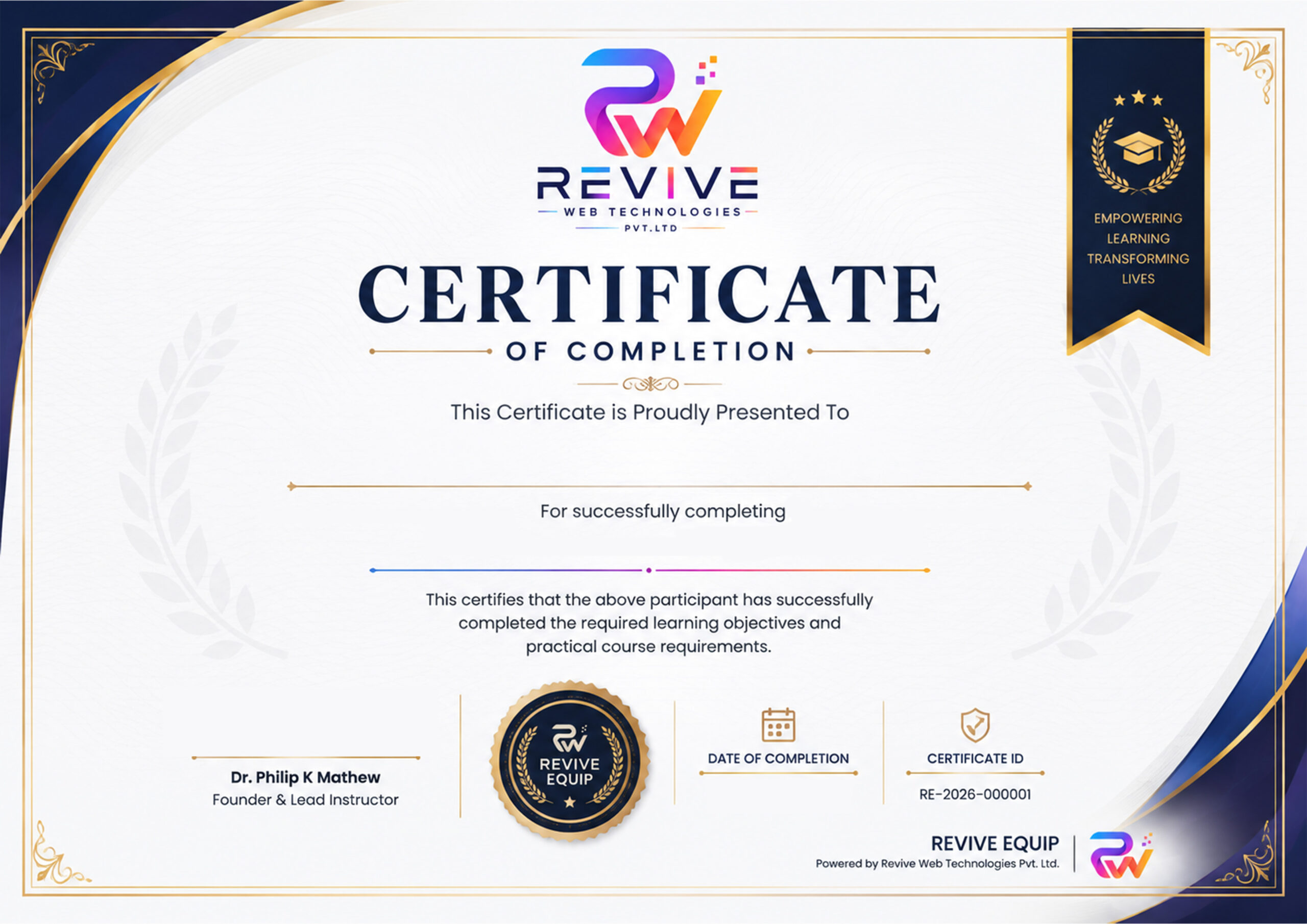
Earn a Professional Certificate
Successfully complete this course and receive a Certificate of Completion from Revive Web Technologies Pvt. Ltd. This certificate validates your successful completion of the course and demonstrates your practical knowledge and skills in WordPress website design and Elementor development.nShowcase your achievement on your resume, LinkedIn profile, portfolio, or freelance profile to highlight your commitment to professional growth and continuous learning. Whether you're pursuing a career, working as a freelancer, or building websites for your own business, this certificate reflects the skills you've gained through hands-on training from an experienced IT company.
FAQs
No. This course is designed for complete beginners.
Yes. After successfully passing the final examination, you'll receive a Certificate of Completion from Revive Web Technologies Pvt. Ltd.
Yes. The course is fully self-paced with lifetime access.
Yes. You can purchase optional Live Zoom mentoring for personalized guidance.
Yes. By the end of the course, you'll have a fully functional WordPress website.
A computer with internet access. We'll guide you through everything else.
Instructor

Reviews
Students List